100% official dsh — zero upstream changes.
The official Web UI, WebApiClient and every plugin run unmodified. The agent core is never forked, so dsh upgrades land the day they're released.
DeepSeek Harness Desktop runs the official dsh Web UI — untouched — inside native shells for Windows, Linux, macOS and HarmonyOS. The agent host lives in the app itself, talking to the UI over localhost: no cloud relay, no CORS, no account. Tray, notifications and a built-in plugin marketplace included.
Desktop v0.1.x prerelease · HarmonyOS device-verified (6.1.0.135 / API 24)
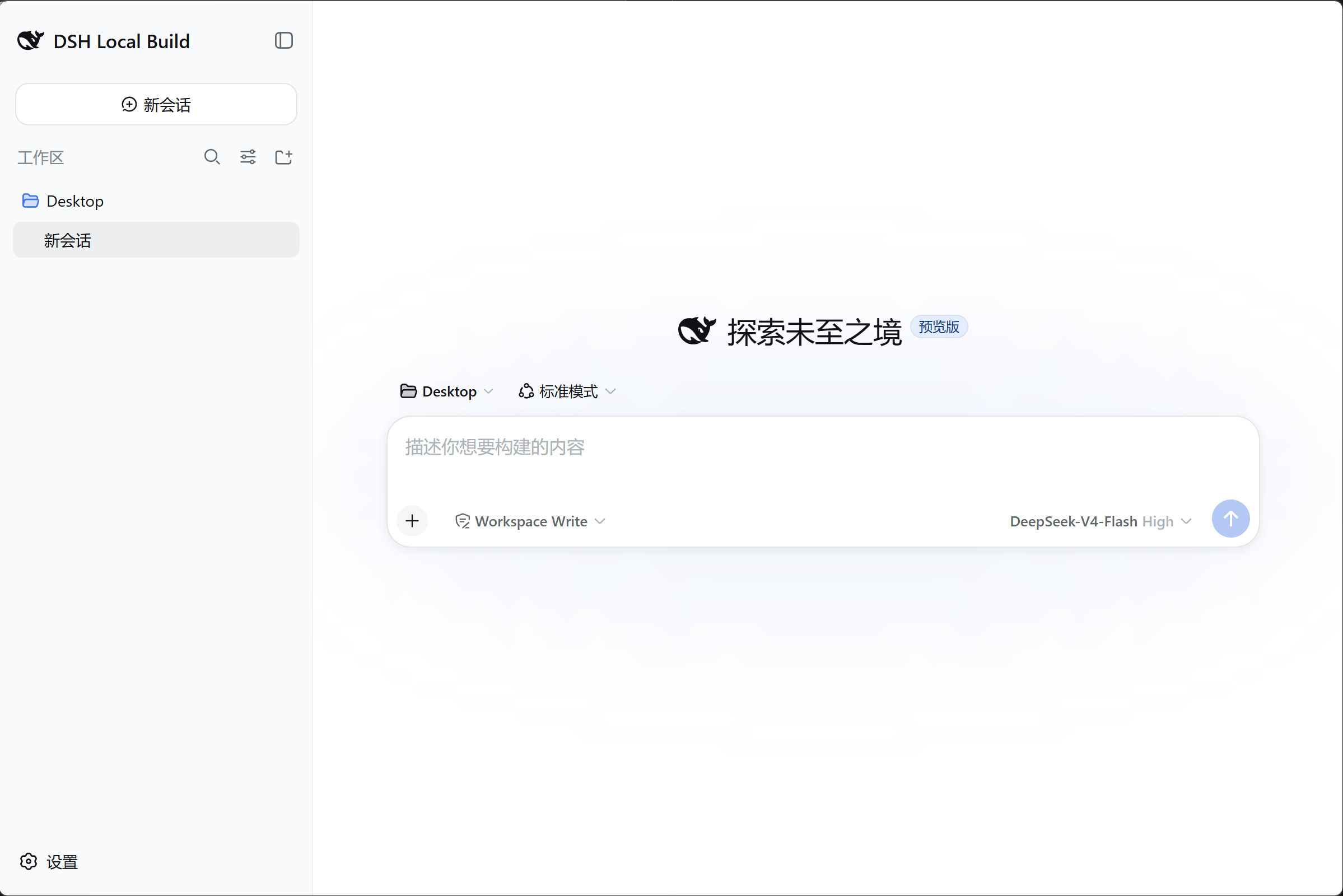
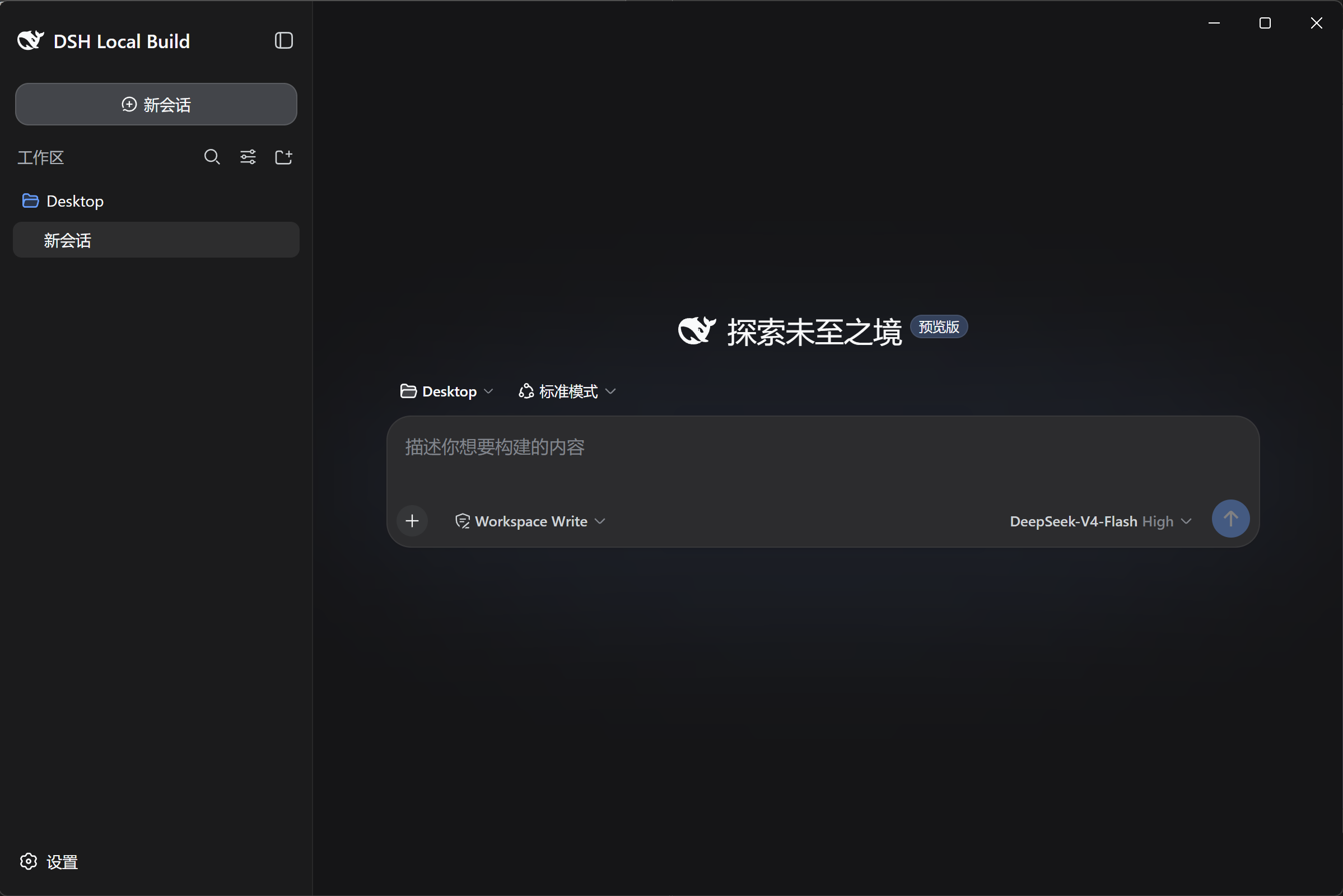
DeepSeek Harness running in its native shell.
why a native shell
The whole dsh experience — none of the browser tab.
The official Web UI, WebApiClient and every plugin run unmodified. The agent core is never forked, so dsh upgrades land the day they're released.
The dsh Host runs inside the app and the UI talks to it over localhost. Everything stays on your machine — no cloud relay, no CORS, no account.
System tray, native notifications, a frameless window and clipboard image paste. The agent harness behaves like a first-class desktop app — because it is one.
The built-in visual marketplace (dsh-market) lets you browse and install plugins right inside Settings, live.
choose your desktop
Together, both editions cover four desktop platforms — Windows, Linux & macOS (Electron) plus HarmonyOS. Independent open-source shells built on DeepSeek AI's DeepSeek Harness with zero upstream changes.
how it works
The shell boots the dsh Host inside the app.
The official Web UI loads from the app's own localhost server.
dsh's WebApiClient drives it all — HTTP uplink, WebSocket downlink.
No CORS · No auth dance · No custom protocol · Agent core untouched.